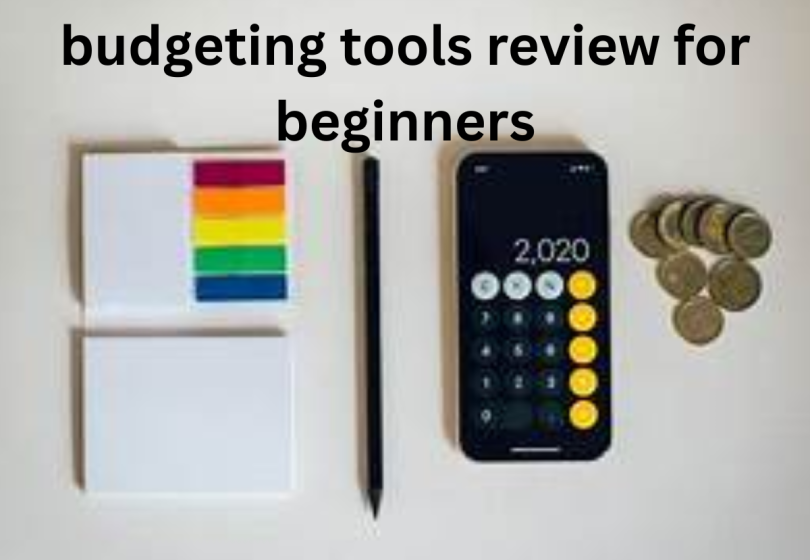

If you’ve ever felt like your money disappears faster than you earn it, you’re not alone. Budgeting can feel overwhelming at first—but the good news is that the right tools can make it way easier. In this budgeting tools review for beginners, I’ll walk you through some of the best options out there and help you figure out which one might suit you best.
Think of this as a casual conversation—not a finance lecture. Let’s break it down.
Why You Even Need Budgeting Tools
Before we jump into the tools, let’s be real for a second.
Budgeting isn’t about restricting yourself or saying “no” to everything. It’s about:
- Knowing where your money is going
- Avoiding unnecessary stress
- Saving for things that actually matter to you
A good budgeting tool acts like a money assistant—keeping everything organized so you don’t have to.
What to Look for in Budgeting Tools (Beginner-Friendly)
Not all budgeting apps are built the same, especially for beginners. Here’s what you should keep an eye on:
- Easy interface – You shouldn’t need a finance degree to use it
- Automatic tracking – Saves time by linking your bank account
- Clear categories – So you know where your money goes
- Goal setting – Helps you save for specific things
- Free or low cost – Because… well, you’re budgeting
Best Budgeting Tools Review for Beginners
Let’s go through some popular tools and talk about them like a friend would—no jargon
1. Mint (Best Free All-in-One Tool)
Why beginners love it:
Mint is one of the easiest tools to start with. You connect your accounts, and it automatically tracks your spending.
What’s good:
- Completely free
- Tracks bills and spending automatically
- Sends alerts (like “Hey, you spent too much on food 👀”)
What’s not so great:
- Ads can be annoying
- Categories sometimes need fixing
Best for: People who want something simple and automated.
2. YNAB – You Need A Budget (Best for Learning Discipline)
This one’s a bit different—it teaches you how to budget, not just track money.
What’s good:
- Great for building strong money habits
- Helps you plan every rupee/dollar intentionally
- Very educational
What’s not so great:
- Not free (subscription-based)
- Takes time to learn
Best for: Beginners who are serious about improving their finances long-term.
3. PocketGuard (Best for “How Much Can I Spend?”)
Ever wonder, “Can I afford this right now?” This app answers that instantly.
What’s good:
- Shows how much money is “safe to spend”
- Simple and clean design
- Connects to bank accounts
What’s not so great:
- Limited customization
- Some features are paid
Best for: People who want quick, simple answers without overthinking.
4. Goodbudget (Best Envelope System App)
This tool uses the classic “envelope budgeting” method—but digitally.
What’s good:
- Great for controlling spending
- Doesn’t require linking your bank
- Good for couples budgeting together
What’s not so great:
- Manual entry required
- Not as automated
Best for: People who like hands-on control over their money.
5. Excel or Google Sheets (Best DIY Option)
Don’t underestimate spreadsheets—they’re powerful and free.
What’s good:
- Fully customizable
- Free
- Tons of templates available
What’s not so great:
- Manual work
- No automation unless you set it up
Best for: People who like control and don’t mind putting in a little effort.
So… Which One Should You Choose?
Here’s the honest answer—it depends on your personality.
- If you want easy and automatic → Go with Mint
- If you want to learn budgeting deeply → Try YNAB
- If you want quick spending insights → Use PocketGuard
- If you like manual control → Goodbudget or spreadsheets
There’s no “perfect” tool—just the one that works for you.
You may also like to read these posts:
Online Business Tips for Beginners
How to Manage a Small Business Easily
Startup Tips for New Entrepreneurs
Beginner Tips (This Matters More Than the Tool)

Even the best budgeting tools won’t help if you don’t build the habit. Keep these in mind:
- Start simple—don’t track 50 categories
- Check your budget at least once a week
- Don’t aim for perfection (you will mess up sometimes)
- Celebrate small wins (saving even a little is progress)
Final Thoughts
This budgeting tools review for beginners isn’t about picking the fanciest app—it’s about finding something you’ll actually use.
Start small. Try one tool. Stick with it for a few weeks.
Once you get into the habit, budgeting stops feeling like a chore—and starts feeling like control.
FAQs – Budgeting Tools Review for Beginners
1. What is the best budgeting tool for beginners?
There’s no single “perfect” tool, but a few stand out:
Mint → best free, automatic tracking
YNAB (You Need A Budget) → best for learning budgeting deeply
PocketGuard → best for quick “how much can I spend?” answers
2. Are budgeting apps really worth it?
Yes—if you actually use them.
Budgeting apps help you:
Track spending clearly
Set savings goals
Avoid overspending
3. Can I budget without using any app?
Absolutely.
Some people prefer:
Excel or Google Sheets
Notebook/manual tracking
4. Are free budgeting tools good enough?
Yes, for most beginners.
Free tools like Mint or basic versions of apps:
Track expenses
Help create budgets
Offer insights
5. Which budgeting tool is easiest to use?
If you want simple and beginner-friendly, go for:
PocketGuard → shows a clear “safe to spend” number
Simplifi → clean interface and flexible budgeting
Mint → automatic tracking